Imagine waking up to a surge of notifications because a video you posted last night went viral, but instead of celebrating, you are frantically trying to figure out why your website crashed or why your inventory didn't sync with TikTok. For many small business owners in 2026, this is a daily reality. The digital storefront has evolved from a simple "buy button" into a complex ecosystem where speed, mobile responsiveness, and AI search visibility are the non-negotiable foundations of success. You do not need a massive IT department to stay competitive; you just need the right ecommerce cms software that works as hard as you do. In this guide, we will break down the top 10 low-code and no-code platforms tailored specifically for small business budgets and goals.
Key takeaways
-
Shoplazza: Best for global scaling and dropshipping; features 180+ payment methods with multi-currency, and various marketing tools channels sync.
-
Wix eCommerce: Best for design-heavy boutiques; provides an unstructured drag-and-drop editor and powerful AI-driven site generation.
-
Weebly: Best for uncomplicated "brick-and-click" shops; offers a budget-friendly, grid-based editor that syncs perfectly with Square POS.
-
Ecwid: Best for selling on existing sites; a "headless" widget that lets you add a store to any blog or social media profile without rebuilding.
-
Square Online: Best for local retailers and restaurants; excels at local fulfillment like curbside pickup and real-time inventory syncing for physical stores.
-
Squarespace: Best for aesthetic-first brands; famous for award-winning, minimalist templates and integrated marketing tools for photographers and artists.
-
Big Cartel: Best for indie makers and crafters; provides a clean, zero-transaction-fee environment for artists with smaller catalogs.
-
Webflow: Best for custom design and performance; allows total control over animations and site structure with professional-grade, fast-loading code.
-
Jumpseller: Best for regional international markets; features native multi-language support and deep integration with European and Latin American payment gateways.
-
Webador: Best for absolute beginners; the fastest AI-powered builder on the list, designed to get a store online in under 10 minutes.
10 best CMS software for ecommerce for SMBs
Finding the right balance between powerful features and ease of use is essential for growing your brand in 2026.
Shoplazza
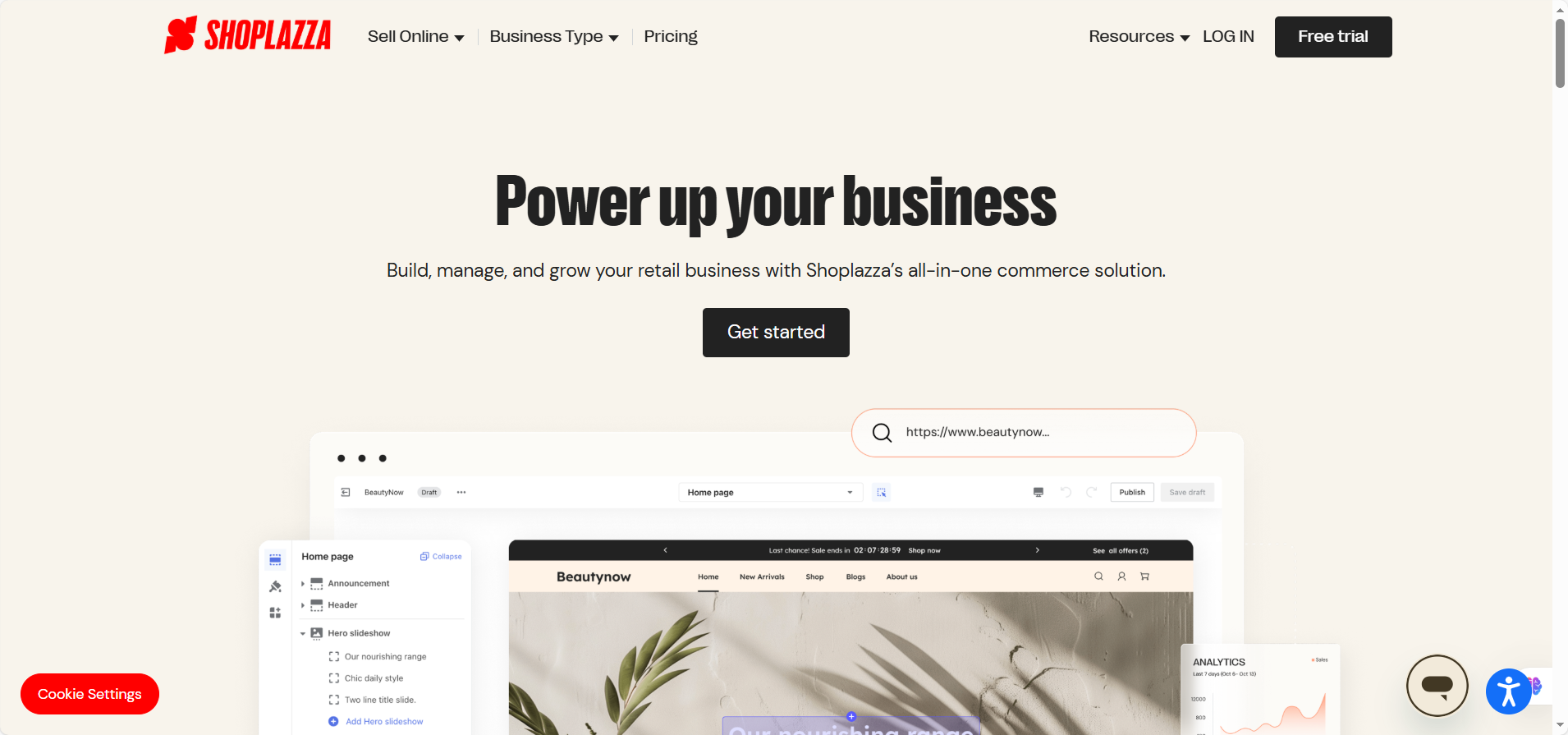
Shoplazza has rapidly become a favorite for small businesses that have their sights set on global markets from day one. It is a "native-first" SaaS platform, meaning it builds essential features—like flash sales, coupons, and popups—directly into the core system rather than forcing you to buy dozens of third-party apps. This is a game-changer for small teams that need to manage costs while maintaining a high-performance storefront. If you are a dropshipper or a DTC (Direct-to-Consumer) brand looking to scale across borders without the technical "bloat" of traditional platforms, this is likely your best match.
Why it stands out?
-
Blog Content Management: You can create and manage all your content within the all-in-one backend for seamless SEO.
-
No "App Tax": Includes many marketing and conversion tools for free that competitors charge monthly fees for.
-
Zero-Code Editor: A truly intuitive drag-and-drop store builder for sellers without code and design skills.
-
Global Payment Support: Supports over 180 global payment methods, including credit/debit cards, e-wallets, buy-now-pay-later (BNPL), and local payment options to maximize conversion. Besides, its Shoplazza Payments offers competitive rates and fast settlements as soon as T+2 to keep your business moving.
-
Multichannel Selling: Easily sync your inventory and sell directly on Instagram, Facebook, and TikTok through a unified dashboard.
How much is it?
Shoplazza's pricing is straightforward and scales with your success. The Basic Plan is $39 monthly (or $29.25 if billed annually) and includes unlimited products, three staff accounts, and smart product recommendations, though it carries a 2% transaction fee.
As you grow, the Advanced Plan at $105 monthly ($78.75 annually) drops that fee to 1% and adds more staff accounts. For high-volume small businesses, the Pro Plan at $399 monthly ($299.25 annually) offers the lowest transaction fee of 0.5% and includes advanced features like B2B wholesale tools and automated tax calculations via Avalara. If you use Shoplazza Payments, you don't even need to pay any transaction fee.
Wix eCommerce
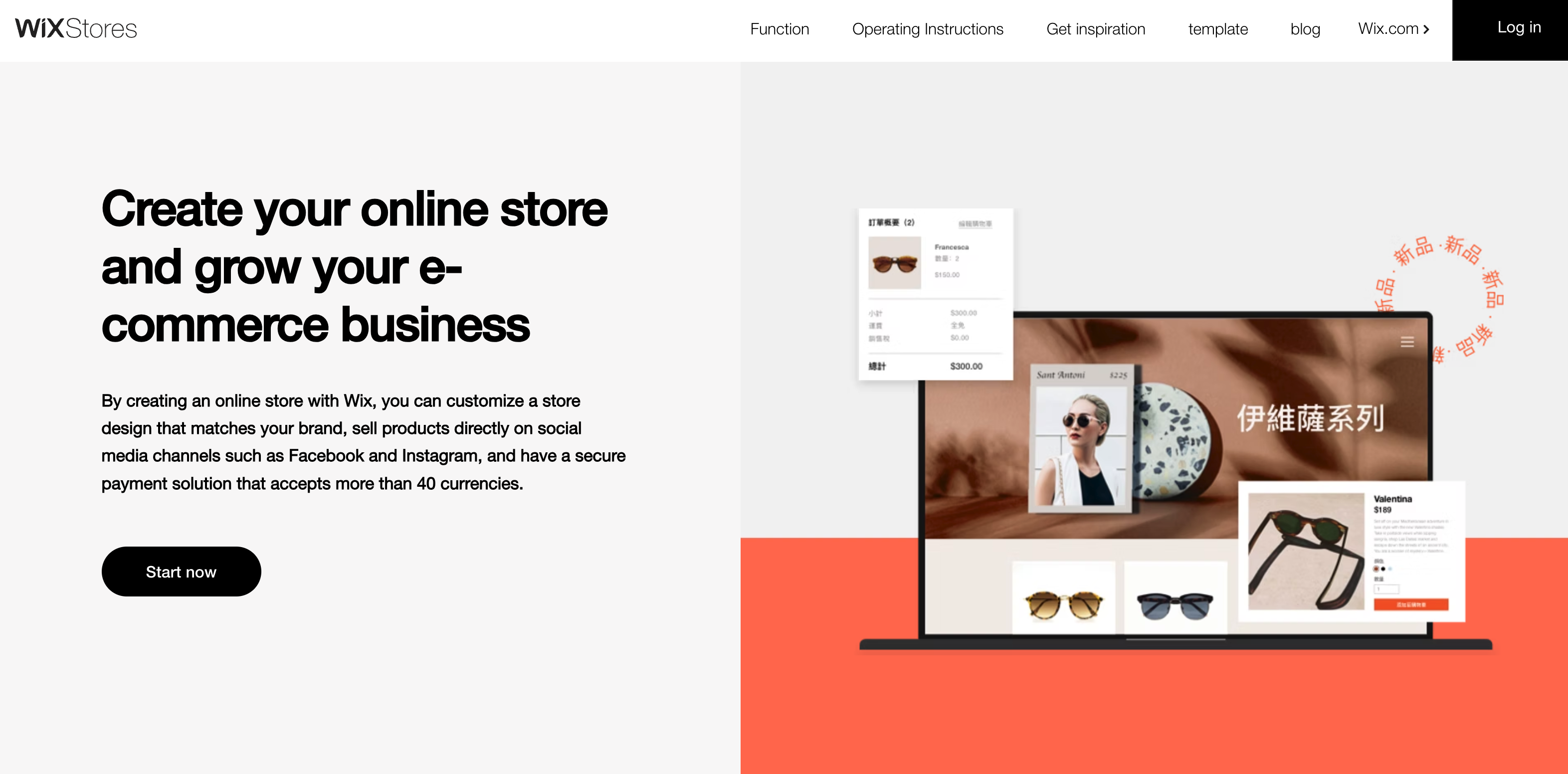
Wix is a simple website builder for small businesses that prioritize design and brand identity. In 2026, it is widely recognized as the most flexible "drag-and-drop" platform, allowing you to move every pixel without needing a line of code. This makes it the absolute best choice for creative boutiques, artists, and niche lifestyle brands that want their online store to look like a high-end digital magazine. With its integrated AI-driven design tools and a massive app market, Wix provides a professional foundation that feels expensive but remains manageable for a one-person team.
Why it stands out?
-
Total Visual Freedom: The unstructured editor allows you to place images, text, and videos anywhere, breaking free from rigid templates.
-
Wix ADI (Artificial Design Intelligence): You can generate a functional storefront in minutes by simply answering a few questions about your business goals.
-
Comprehensive App Market: Access over 300+ native and third-party tools for everything from dropshipping with Printful to advanced loyalty programs.
-
Strong SEO Infrastructure: Offers automated SEO "checklists" and clean Schema markup to help your products appear in generative AI search results.
-
Integrated Bookings: Ideal for businesses that sell both products and services (like a salon selling hair products).
How much is it?
Wix offers three primary tiers for commerce. The Core Plan is $29 per month (billed annually) and includes 50 GB of storage and basic site analytics. The Business Plan, priced at $39 per month, is the most popular for small businesses as it adds advanced shipping options, 100 GB of storage, and automated sales tax for up to 100 transactions. For high-growth brands, the Business Elite Plan at $159 per month offers unlimited storage, priority support, and advanced developer tools.
Weebly
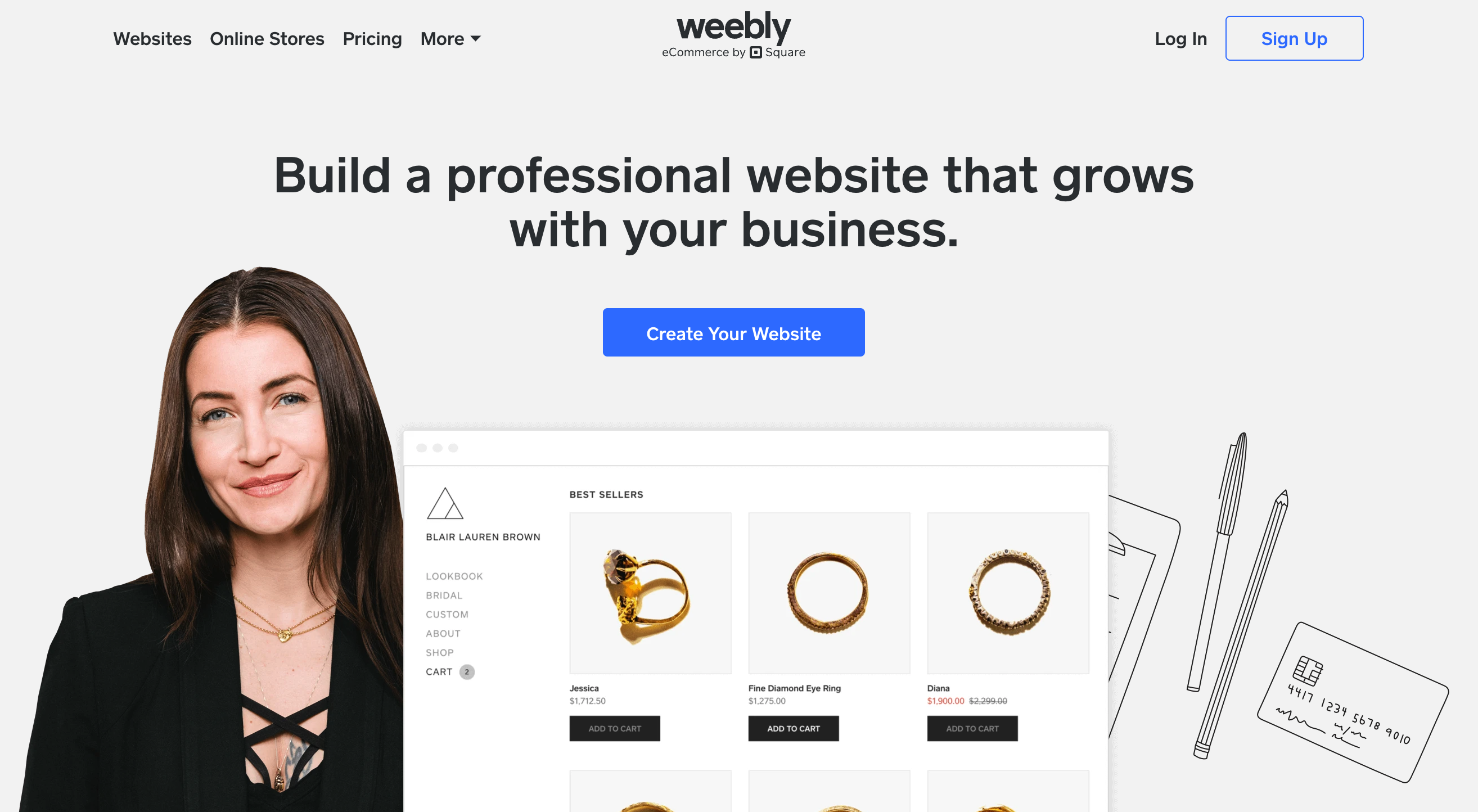
Now part of the Square ecosystem, Weebly is the definitive "no-nonsense" ecommerce solution for those who value speed and simplicity over complex customization. It is specifically designed for small retailers and local businesses that need a clean, stable website that works perfectly with their point-of-sale (POS) system. Because it is owned by Square, the integration for payments and inventory is seamless, making it the top choice for "brick-and-click" shops like bakeries, boutiques, or craft stores that sell both in-person and online without wanting to manage two separate systems.
Why it stands out?
-
Seamless Square Integration: Your online and in-person sales, customers, and inventory are automatically synced in real-time.
-
Intuitive Structured Editor: While less flexible than Wix, its "grid-based" builder ensures your site always looks professional and mobile-responsive.
-
Automatic Tax & Shipping: Built-in calculators take the guesswork out of complex shipping rates and regional tax laws.
-
Local Pickup Support: Includes native options for "Buy Online, Pick Up In-Store" (BOPIS), which is essential for local small businesses.
-
Affordable Entry Point: Offers one of the most cost-effective paid plans for those who just want to connect a custom domain.
How much is it?
Weebly remains one of the most budget-friendly options in 2026. The Free Plan ($0) allows you to sell but includes Square branding. The Personal Plan is $13 per month (or $10 billed annually) and allows you to connect a custom domain. The Professional Plan at $16 per month (or $12 billed annually) is the sweet spot, as it removes all Square ads and provides unlimited storage. For serious scaling, the Performance Plan is $29 per month (or $26 billed annually) and adds abandoned cart emails, item reviews, and priority support.
Ecwid
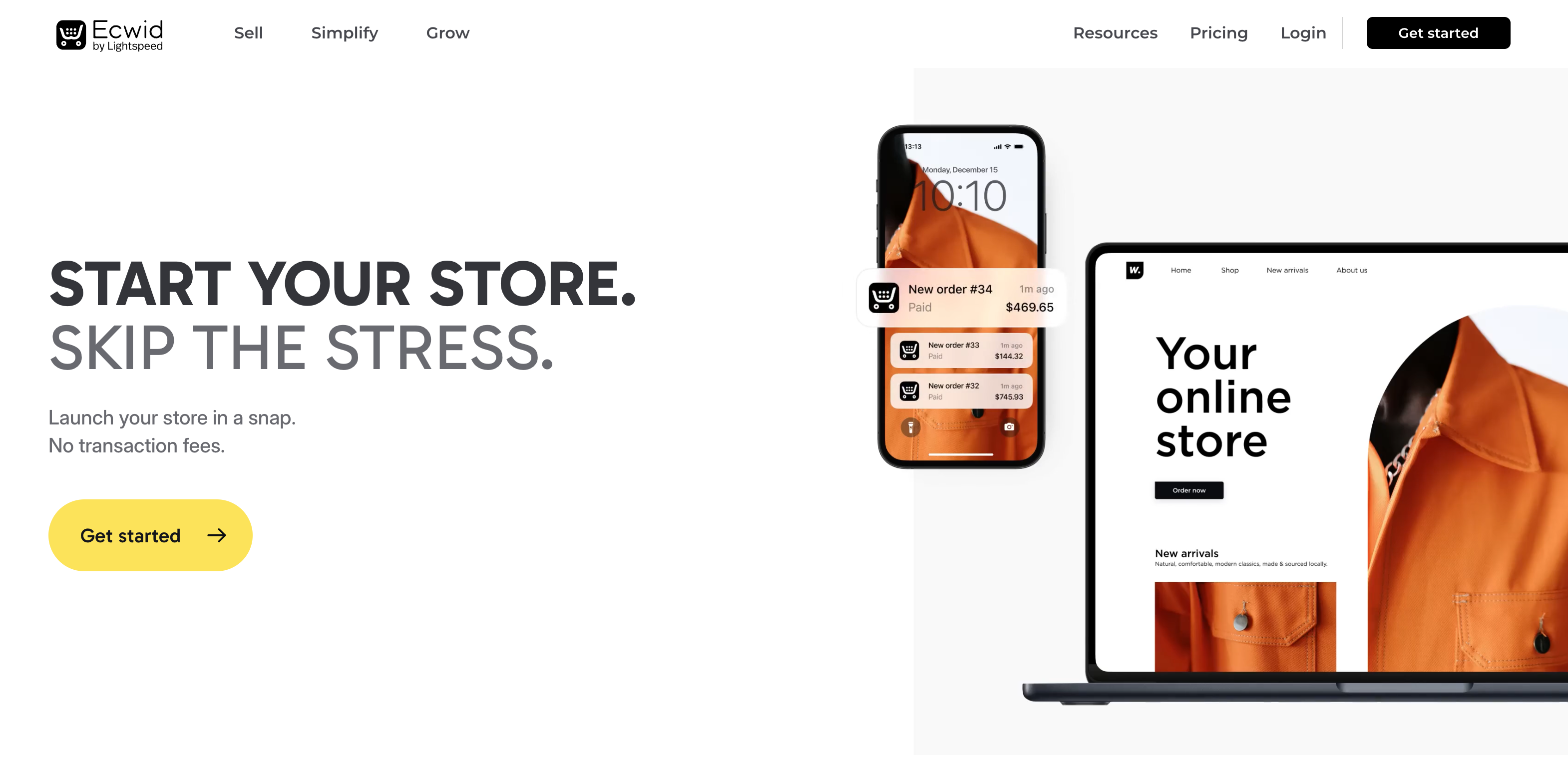
Ecwid (short for "Ecommerce Widget") is the ultimate "plug-and-play" solution for business owners who already have a website or a social media following and want to add a store to it. Unlike other platforms that require you to build an entire new site, Ecwid is a powerful snippet of code that you can drop into WordPress, Wix, or even a simple landing page. It is highly favored by influencers and small manufacturers who want a "headless" commerce experience that allows them to sell everywhere—from their blog to a TikTok sidebar—using one centralized inventory.
Why it stands out?
-
Platform Agnostic: You can embed your store into any existing website (WordPress, Joomla, Tumblr, etc.) without rebuilding anything.
-
No Transaction Fees: Unlike Shopify, Ecwid does not take a percentage of your sales, regardless of which payment processor you use.
-
Multi-Channel Sync: Automatically syncs products to Google Shopping, Amazon, eBay, and social marketplaces.
-
Mobile App Management: Features a robust mobile app that allows you to manage orders and scan barcodes directly from your phone.
-
Language Detection: Automatically translates your storefront into 50+ languages based on the visitor's location, perfect for small global shops.
How much is it?
Ecwid plans to adjust its pricing on March 2, 2026. While the Free Plan still exists for up to 5 products, most businesses will need the Venture Plan at $35 per month (or $29 billed annually), which supports 100 products and social selling. The Business Plan is $65 per month ($49 annually) for up to 2,500 products and includes phone support. The Unlimited Plan costs $149 per month ($119 annually) and provides priority support and unlimited product listings.
Square Online
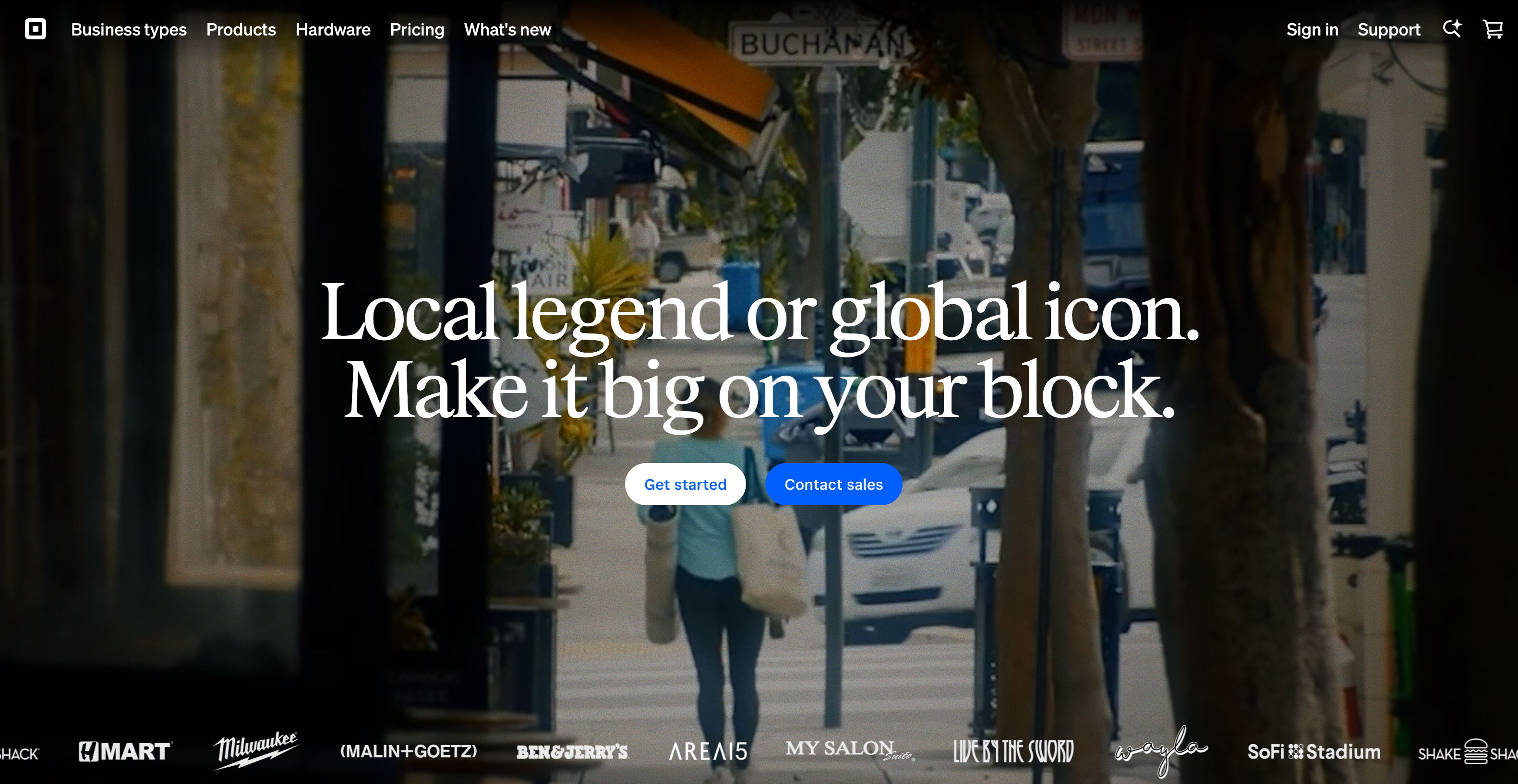
Square Online is the premier choice for small business owners who operate in the physical world but need a digital presence that keeps pace. It is more than just a website builder; it is a commerce engine that flawlessly bridges the gap between your local shop, pop-up market, and online orders. If you are a retailer, florist, or restaurant owner already using Square for in-person payments, this platform is a logical extension of your brand. It eliminates the nightmare of manual inventory updates by syncing every sale across all channels instantly. For anyone looking for a "set it and forget it" operational flow, Square Online is the gold standard for brick-and-click efficiency.
Why it stands out?
-
Flawless POS Integration: Automatically syncs your online and offline inventory, orders, and customer data with the Square Point of Sale system.
-
Local Fulfillment Focus: Offers native features for curbside pickup, local delivery, and even QR code ordering for in-store customers.
-
AI-Driven Speed: Square has introduced specialized AI tools, such as an AI Menu Generator for restaurants and automated product descriptions to launch stores in minutes.
-
Social Commerce Ready: Easily connect and sell your products directly on Instagram, Pinterest, and Facebook with a few clicks.
-
Bitcoin Acceptance: Small businesses can now stay ahead of the curve by accepting Bitcoin payments with zero processing fees and instant settlement through 2026.
How much is it?
Square Online is famous for its Free Plan, which costs $0 per month and allows for product uploads, though it carries a transaction fee of 3.3% + 30¢ and does not include a domain. The Plus Plan costs $49 per month and is the most popular choice as it lowers the online processing fee to 2.9% + 30¢ and includes a free domain for one year. For high-volume businesses, the Premium Plan at $149 per month, also with 2.9% + 30¢, adds real-time shipping rates and priority 24/7 support.
Squarespace Commerce
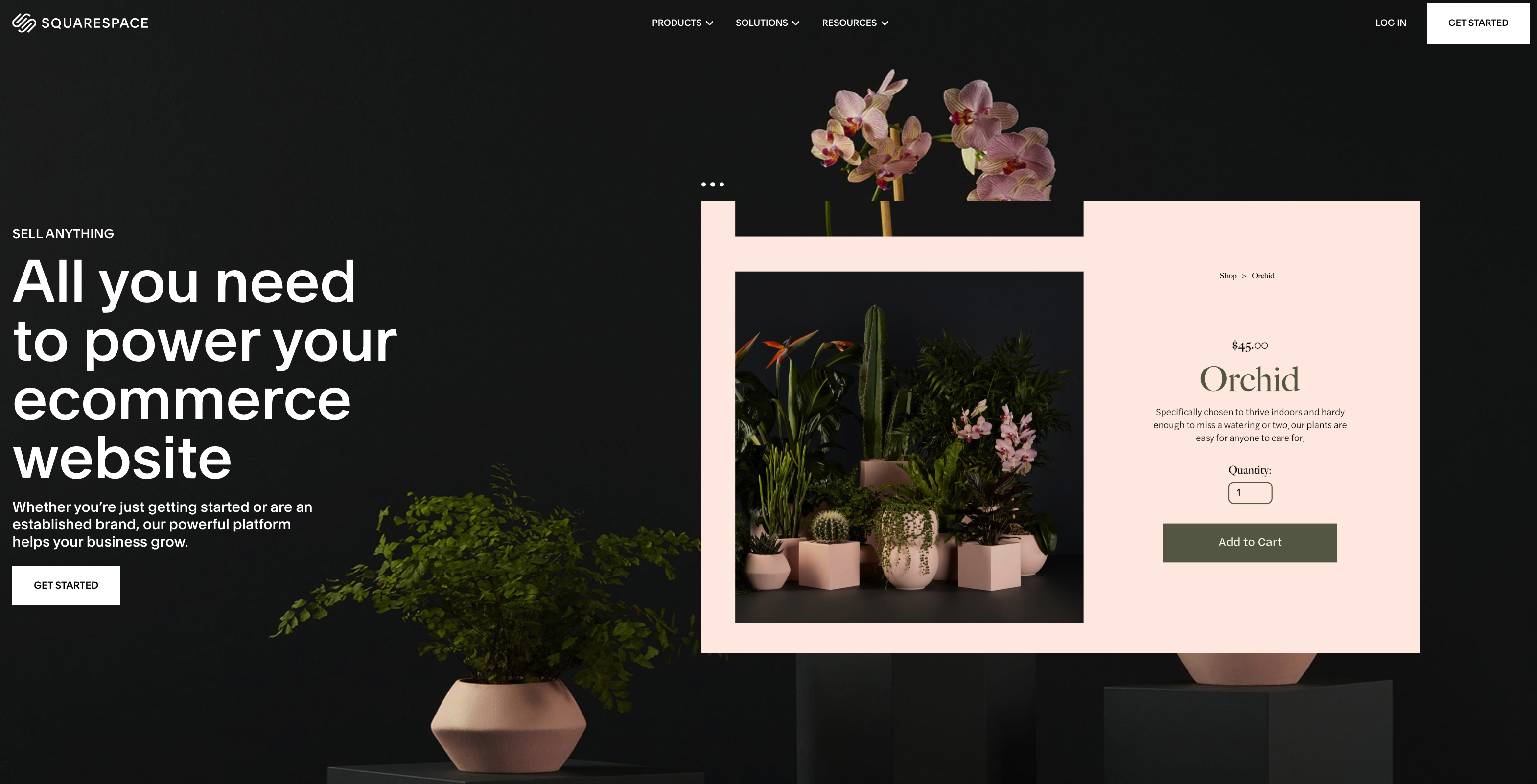
Squarespace is the undisputed leader for small businesses that view their website as a visual extension of their art. It is best for photographers, fashion designers, and premium service providers who need their products to look world-class. Squarespace remains the "iPhone of website builders"—everything is polished, intuitive, and aesthetically superior. While it offers a more structured editing experience than Wix, its "Fluid Engine" provides a high degree of creative control without the risk of breaking your site's professional layout. If you want to look like a massive global brand on a small business budget, Squarespace is your best asset.
Why it stands out?
-
Award-Winning Templates: Access to over 150+ professional designs that are widely considered the best in the industry for visual storytelling.
-
Blueprint AI Builder: A new-generation tool that generates entire store layouts and copy based on a quick conversation about your brand's "vibe".
-
All-In-One Marketing: Built-in email campaigns, member areas, and video-making tools that share the same design language as your store.
-
Advanced Merchandising: Includes high-end features like limited availability labels, product waitlists, and sophisticated discount engines to drive urgency.
How much is it?
It starts from the Personal Plan at $25 per month, but with no custom domain. The Business Plan starts at $36 per month and offers fully integrated ecommerce with a 3% transaction fee. For serious sellers, the Commerce Basic Plan at $40 per month is the sweet spot, offering 0% transaction fees and customer accounts. The Commerce Advanced Plan is $79 per month and is designed for scaling stores, featuring advanced discounting and the ability to sell subscriptions.
Big Cartel
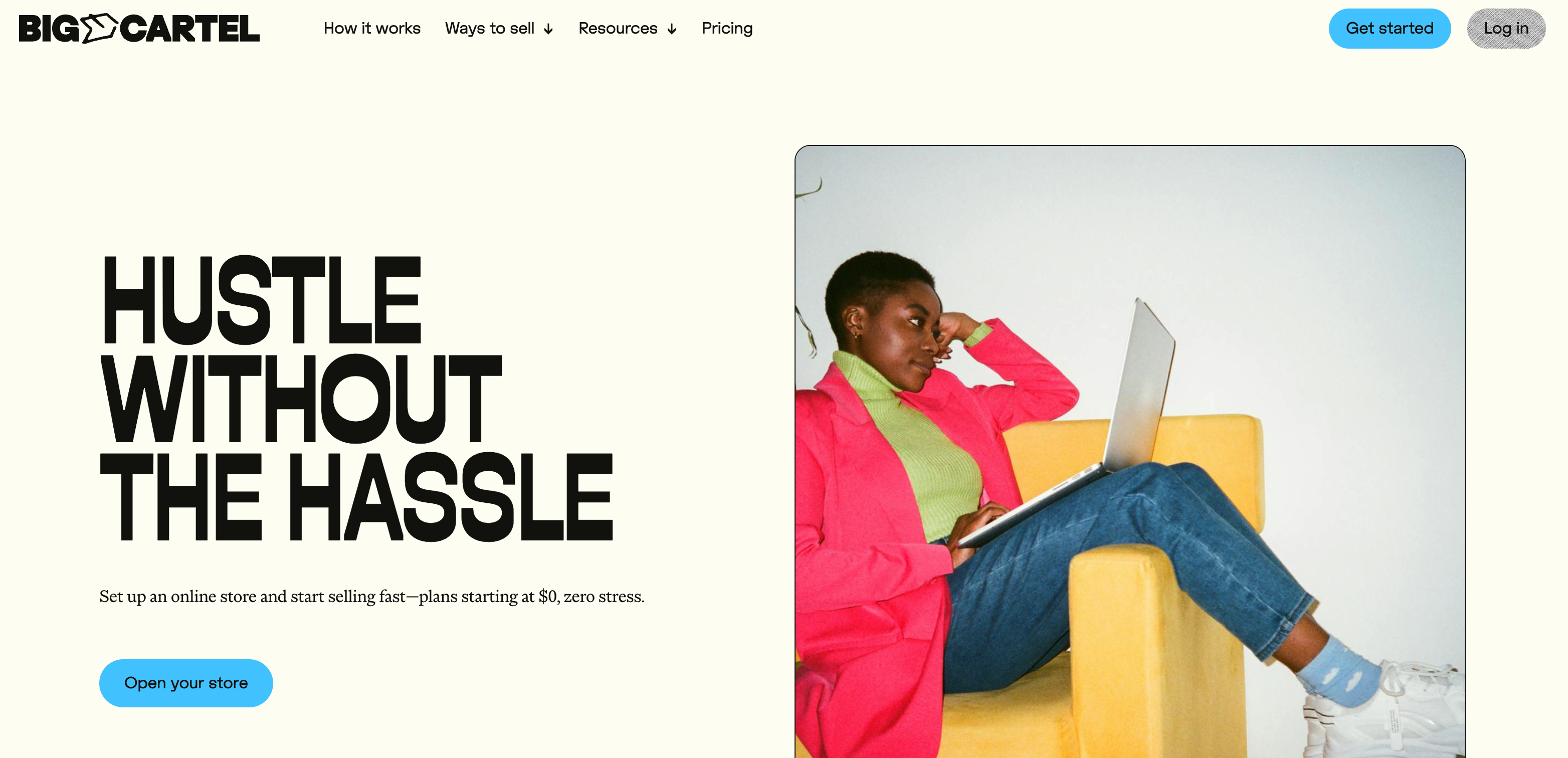
Big Cartel is the "indie" alternative for the maker community. It is specifically designed for independent artists, jewelers, and crafters who want a simple, unpretentious place to sell their work. In 2026, it remains the most streamlined platform on the market, intentionally avoiding the feature-heavy "bloat" that can overwhelm solo creators. It is the best choice for those with a curated catalog of under 500 items who want to spend their time creating, not configuring software. Because Big Cartel doesn't charge listing fees or transaction fees, it is exceptionally friendly to artists operating on thin margins.
Why it stands out?
-
Artist-First Philosophy: A clean, easy-to-use interface that speaks the language of creators rather than corporate tech.
-
No Transaction Fees: Big Cartel never takes a percentage of your sales; you only pay the standard fees to your payment processor (Stripe or PayPal).
-
Free Forever Tier: One of the few platforms that allows you to sell up to 5 physical products for $0 per month without hidden catches.
-
Effortless Theme Switching: You can change your entire store's look instantly; your products will automatically reformat to fit the new design without manual work.
-
Sales Tax Autopilot: Collaborates with TaxJar to automatically calculate and manage US sales tax, a massive relief for solo entrepreneurs.
How much is it?
Big Cartel keeps its pricing incredibly simple for 2026. The Gold Plan is $0 per month for up to 5 products. The Platinum Plan is $15 per month (or $12 billed annually) and includes custom domain support and inventory tracking. The Diamond Plan is $30 per month (or $24 billed annually) for advanced features like 7,000+ apps connection with Zapier and priority support.
Webflow
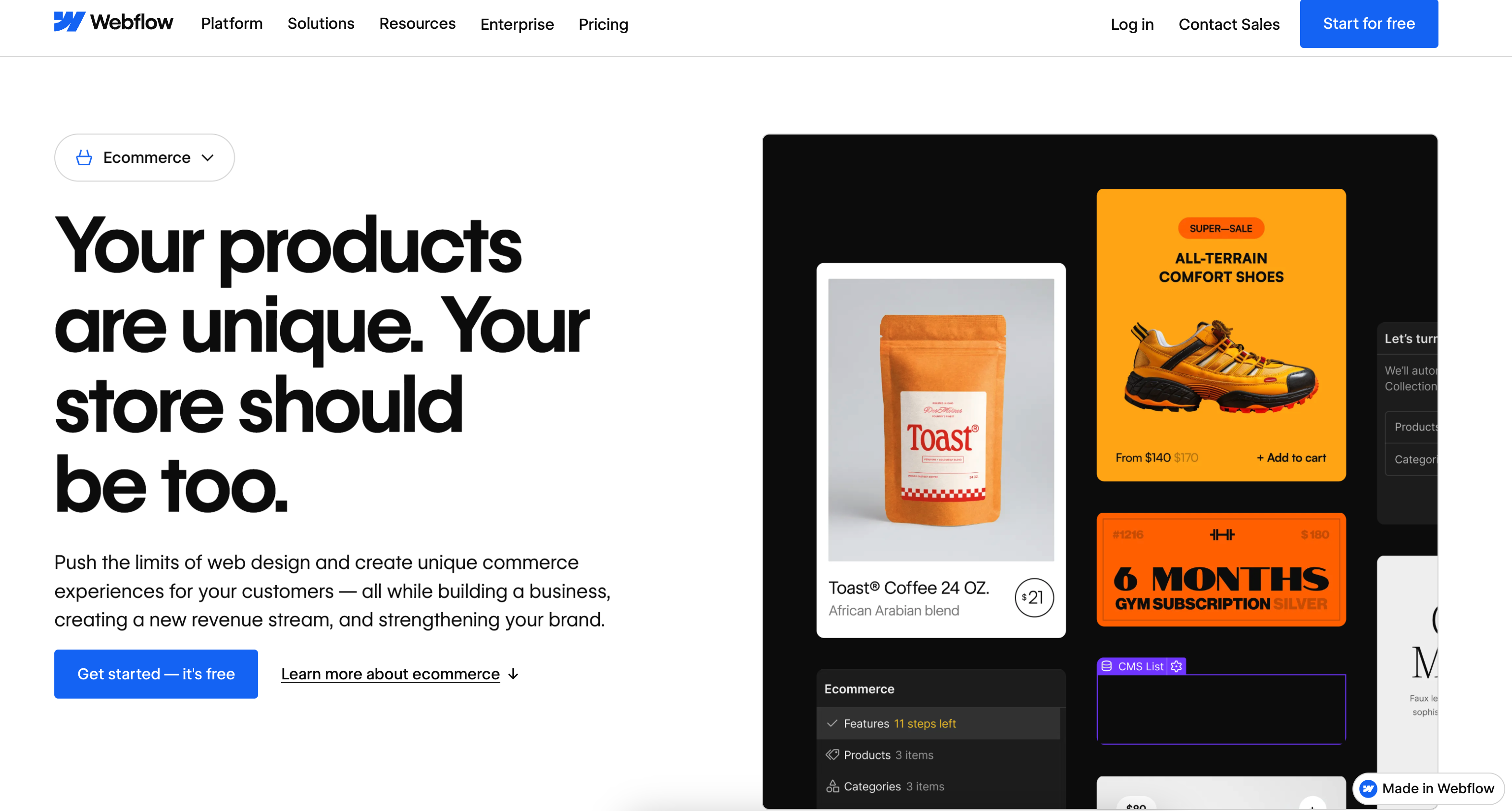
Webflow bridges the gap between traditional "no-code" builders and custom development by offering a visual interface that essentially writes clean, professional-grade code in the background. It is the top choice for small businesses that prioritize design-led storytelling and pixel-perfect branding over complex logistics. While it has a steeper learning curve than Wix, the reward is total structural control and unmatched site speed. It is ideal for high-end boutique brands, digital product sellers, and creative agencies that want to build a unique user experience that stands out from the "cookie-cutter" templates seen on other platforms.
Why it stands out?
-
Total Design Autonomy: Unlike rigid template builders, Webflow gives you a blank canvas to build custom animations and unique layouts from scratch.
-
Clean, High-Performance Code: Produces lean code that ensures lightning-fast load times, which is a significant advantage for both SEO and mobile conversion.
-
Integrated CMS for Content Marketing: The built-in CMS is world-class, allowing you to seamlessly link blog posts, portfolios, and product pages.
-
Custom Checkout Experience: You can design every step of the shopping journey, from the cart to the "Thank You" page, to match your brand's specific aesthetic.
-
Logic & Automation: In 2026, Webflow's native "Logic" features allow small businesses to build custom workflows, such as tailored email triggers or member-only access, without external apps.
-
AI-Assisted Styling: The "Webflow Companion" AI now helps beginners by translating natural language prompts into styling CSS, lowering the learning curve significantly.
How much is it?
Webflow's ecommerce pricing is tiered based on sales volume and features. The Standard Plan is $42 per month (or $29 billed annually), supporting up to 500 products and 2,000 CMS items with a 2% transaction fee. The Plus Plan at $84 per month (or $74 billed annually) is the sweet spot for growing brands, as it removes the transaction fee and allows for 5,000 products and 10,000 CMS items. For large-scale small businesses, the Advanced Plan is $235 per month (or $212 billed annually), supporting up to 15,000 products and 10,000 CMS items and offering unlimited annual sales volume.
Jumpseller
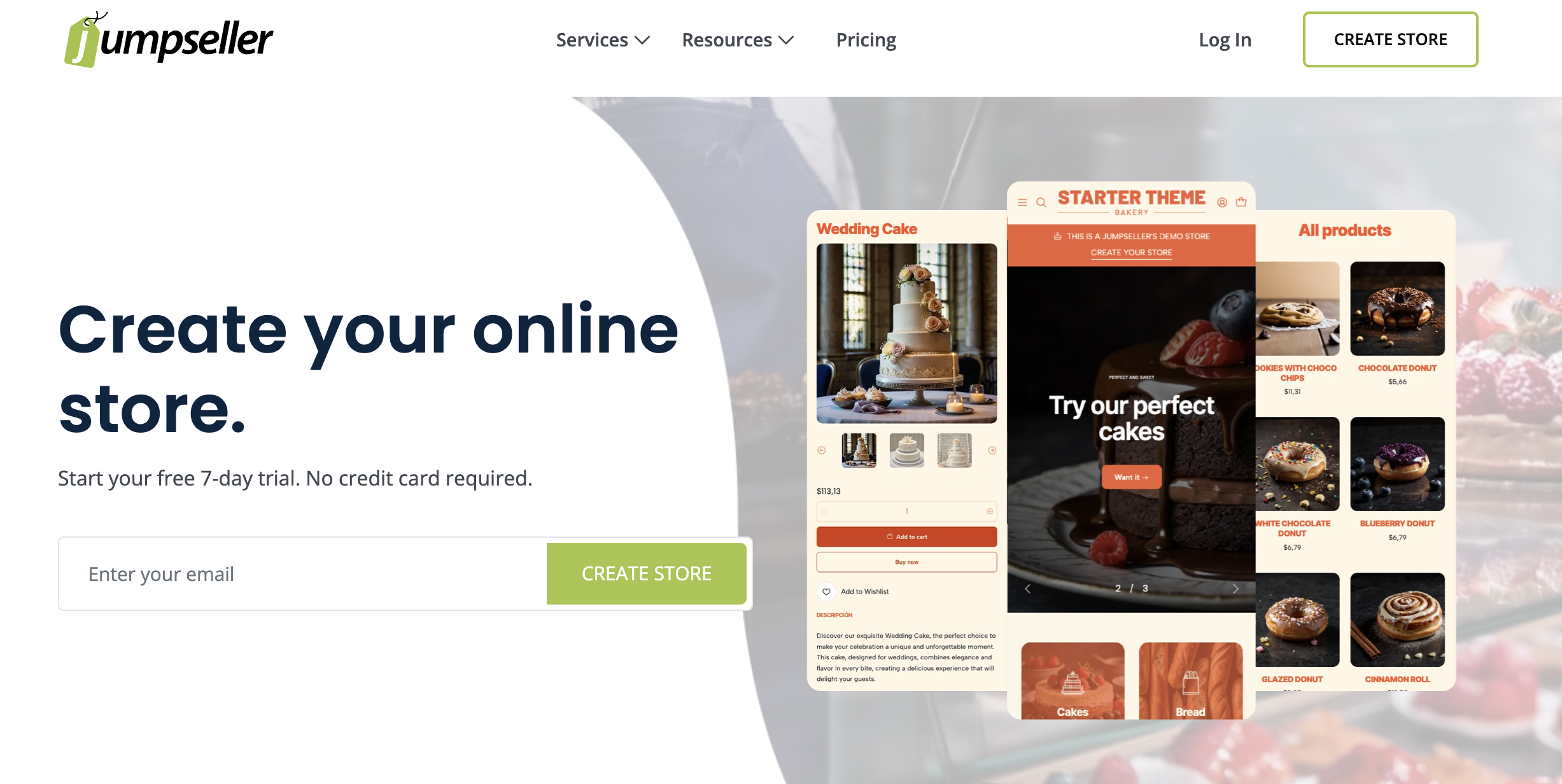
Jumpseller is a powerful, cloud-based ecommerce solution that has gained a massive following in 2026 by focusing on "local-first" commerce. It is particularly effective for small businesses that need robust international features, such as native multi-language support and regional payment integrations, without the complexity of Shopify. Jumpseller is designed for the merchant who wants an affordable, straightforward platform that doesn't charge hidden fees. It is the best match for European and Latin American startups that need localized shipping and tax settings right out of the box, ensuring a smooth experience for global customers.
Why it stands out?
-
Zero Transaction Fees: Jumpseller does not take a commission on your sales, allowing you to keep more of your profit regardless of your plan.
-
Localized Payment & Shipping: Deeply integrated with local gateways like Mercado Pago and regional shipping carriers, making it ideal for non-US markets.
-
Native Multi-Language Support: Unlike competitors that require third-party apps, Jumpseller allows you to create a multilingual store (up to 8+ languages) directly from the dashboard.
-
AI Product Descriptions: Features a built-in AI tool that generates SEO-friendly product details and marketing copy in seconds.
-
Unlimited Product Listings: Even on the most basic plans, you can upload as many products as you need without hitting a "paywall."
-
Personalized Support: Known for high-quality, human-led support that focuses on solving regional technical hurdles for small business owners.
How much is it?
Jumpseller offers some of the most competitive pricing for 2026. The Basic Plan starts at $12 per month and covers all essential ecommerce features with zero transaction fees. The Plus Plan is $21 per month and allows you edit website code and create digital products. The Pro Plan at $42 per month is the most popular, offering abandoned cart recovery and advanced promotions. For businesses needing even more, the Premium Plan is $84 per month, adding multiple stock locations and priority support.
Webador

Webador is the "speed king" for small businesses that need to get online yesterday. It has successfully used AI to simplify the website-building process down to a few questions, making it the most beginner-friendly platform on this list. It is specifically designed for solopreneurs, hobbyists, and local service providers who are intimidated by traditional tech jargon. If you want a functional, professional-looking online store that you can set up during a lunch break, Webador is your best bet. It strips away the clutter to focus on what matters: listing products and taking payments.
Why it stands out?
-
AI Website Generation: You can launch a fully customized, professional store in under 10 minutes by simply describing your business to their AI builder.
-
Ultra-Simple Interface: A "what you see is what you get" editor that is so intuitive it requires zero tutorials or training.
-
Google Business Integration: Built-in tools help you sync your store with Google Maps and Business Profile to attract local foot traffic.
-
Predictable All-Inclusive Pricing: Your plan includes hosting, SSL, and a free domain for the first year—no surprise "app fees" later.
How much is it?
While Webador offers a Free Plan for basic sites and Lite Plan at $3 per month (for the first 12 months), but not support any product online. Ecommerce starts on the Pro Plan at $5.25 per month (for the first 12 months and then $10.25 per month), which allows for up to 10 products. The Business Plan at $10.25 per month (for the first 12 months and then $21 per month) is the choice for "ambitious professionals," offering unlimited product listings, digital product support, and a higher-tier mailbox.
What are the best ecommerce CMS options for small businesses? Quick comparison table
Choosing the right platform is about balancing your creative vision with your operational budget. While some platforms prioritize absolute design freedom, others focus on "out-of-the-box" global scaling and high-speed mobile performance.
The following table summarizes the key entry-level metrics for the top 10 ecommerce CMS platforms in 2026 to help you identify the best starting point for your brand.
| CMS Platform | Starting Price for Ecommerce (per month) | Free Plan / Trial | Best For |
| Shoplazza | $39.00 | 7-Day Free Trial | Global DTC & Dropshipping |
| Wix eCommerce | $29 | No (Free non-shop site only) | Creative Boutiques & Visual Brands |
| Weebly | $16 | Yes (Free with Square ads) | Simple "Brick-and-Click" Shops |
| Ecwid | $65 | Yes (Up to 5 products) | Social Selling & Existing Sites |
| Square Online | $49 | Yes (3.3% + 30¢ fee) | Restaurants & Local Retail |
| Squarespace | $40 | 14-Day Free Trial | Portfolio-heavy Artist Shops |
| Big Cartel | $15 | Yes (Up to 5 products) | Indie Makers & Artists |
| Webflow | $42 | Free (Staging only) | High-end Design & Agencies |
| Jumpseller | $12 | 14-Day Free Trial | International & Localized Markets |
| Webador | $10.25 | Yes (No online sales) | Absolute Beginners & Solopreneurs |
How to choose the best ecommerce CMS software? 6 Questions to ask before you pay
Before you lock yourself into a yearly contract, take a moment to evaluate your long-term goals. Here are the six critical questions every small business owner should ask:
Do you need to sell on social media?
In 2026, social commerce is the primary discovery engine for shoppers. It is no longer enough to just post photos; you need a CMS that offers native, deep-link integrations with TikTok Shop, Instagram, and WhatsApp. Platforms like Shoplazza lead the pack here, providing real-time inventory syncing that prevents overselling. This "omnichannel" approach ensures that when a product sells during a TikTok Live, your website and Facebook catalog are updated instantly.
Do you need powerful content?
If your strategy relies on storytelling, expert blogging, or organic search traffic, you need a CMS with high-end editorial tools. Squarespace and Webflow are the champions of content-led commerce, allowing you to embed "Buy Buttons" directly into your articles without breaking the design. A platform with a weak blog or limited layout options will eventually hinder your SEO, making it harder for your brand to build authority and attract customers through educational content.
What is the "true" monthly cost?
The advertised subscription price is often just the tip of the iceberg. To find the "true" cost, calculate the "App Tax"—the monthly fees for third-party plugins like loyalty programs, advanced shipping, or reviews. Additionally, check for transaction fees; while some platforms like Jumpseller and Big Cartel charge 0%, others take a cut of every sale. Look for "native-first" platforms to keep your overhead predictable and avoid a $20 plan ballooning into a $100 monthly expense.
Want total control and enterprise-level customization?
Simple builders are great for launching, but if you have a complex catalog or unique technical requirements, you might hit a "ceiling" quickly. Platforms like Webflow offer the API flexibility and "headless" options you will eventually need for a custom-branded experience. If your business model involves bespoke configurations or high-volume wholesale, choose a system that allows for deep code access or advanced logic without forcing you to migrate to a new platform later.
Is it AI-ready?
This is the most critical shift for 2026. Does your platform automatically generate Schema markup? This structured data is the "language" that tells AI agents—like Gemini, ChatGPT, and Perplexity—exactly what you are selling, its price, and its stock status. Without proper Schema, your products may become "invisible" to generative search results. Ensure your CMS can feed high-quality data to these AI engines so your store remains a top-cited answer for shopping queries.
Is it flexible for growth and scaling?
Moving your entire store to a new platform is a painful, expensive process that can tank your SEO. When choosing, consider if the CMS can handle multi-currency, international tax laws, and multiple warehouses. A platform that is perfect for your first 10 orders may struggle with 10,000. Look for a solution that offers tiered growth paths—like Shoplazza's scaling plans or Wix's enterprise options—so you can stay on the same system for at least the next three years.
Conclusion
Choosing the right ecommerce CMS software is about finding the sweet spot between simplicity and scalability. Whether you prioritize the global agility of Shoplazza, the physical-digital sync of Square, or the visual elegance of Squarespace, the best choice is the one that lets you spend less time on tech and more time on your customers. Your platform should be a bridge to your audience, not a barrier.
FAQs about commerce CMS software
Q1: Can I really start an online store for $0?
Yes. Platforms like Square Online and Ecwid offer free tiers for selling a limited number of products. You only pay transaction fees when you make a sale. This is the perfect way to test a business idea with zero upfront financial risk.
Q2: Is Shoplazza really the best for small businesses?
It is ideal for SMBs targeting global growth. Unlike competitors, Shoplazza includes essential marketing tools natively, helping you avoid the "App Tax." If you need built-in multi-currency support and high-speed mobile performance without technical bloat, it is a top-tier choice.
Q3: Do I need to know how to code to use these platforms?
No. All ten platforms are "No-Code" or "Low-Code" solutions. They use intuitive drag-and-drop editors and visual interfaces. If you can navigate a social media profile or create a slide presentation, you can successfully build and manage your own store.
Q4: What is the biggest mistake when choosing a CMS?
Focusing solely on the monthly subscription price. You must calculate the "true cost," including transaction fees and third-party app subscriptions. A "cheap" plan can quickly become expensive if it lacks native features like reviews, upsells, or social media integrations.