"Google ecommerce website" gets thrown around a lot in cross-border selling communities. You'll see it come up alongside topics like SEO traffic, brand building, and reducing platform dependency — and for good reason.
Platform rules keep changing. Traffic costs keep rising. Customer data gets locked behind marketplace walls. More and more sellers, especially those already running stores on third-party marketplace, are seriously considering what it would look like to own their own channel. Every ad you run, every piece of content you publish, every search ranking you earn on your own website compounds into an asset you actually own. That's the core appeal.
But there's a gap between "should I do this?" and "how do I actually do it?" This article covers what a Google ecommerce store really is, who's well-positioned to start one, which tools to use, and how to keep traffic coming in after your store goes live.
What is a Google ecommerce store?
The term actually refers to two different things depending on context.
- The first and more common meaning is a branded DTC website that uses Google's ecosystem — SEO and Google Ads — as its primary traffic source. You own the domain, you own the customer data, and you build your brand on your own terms. This is what most cross-border sellers mean when they talk about building a Google ecommerce store.
- The second meaning is a webpage built with Google Sites, Google's free page-builder tool. Google Sites is drag-and-drop, requires no coding, and connects with Google Drive and Google Calendar. But it has no shopping cart, no payment processing, and no order management. It's a display tool, not an ecommerce platform.
For anyone who wants to actually sell online, the first meaning is what matters.
Core advantages of owning your store
When you sell on Amazon or other marketplaces, the traffic, customer data, and brand exposure all belong to the platform. Your own ecommerce store changes that equation entirely. Every SEO ranking, every returning customer, every email address — those are yours.
A few specific advantages worth calling out:
- You own first-party customer data and can use it however you like.
- Every dollar spent on SEO and content compounds over time into organic traffic you don't have to keep paying for.
- You control the brand experience end to end — design, messaging, pricing, promotions.
- You're not subject to platform policy changes or account suspension risks.
- You can build direct customer relationships and drive repeat purchases through email and loyalty programs.
Who should build a Google ecommerce store?
You don't need a full team or a large budget to get started. Here are five types of sellers who have a clear, practical entry point.
Sellers already on Amazon or other marketplaces
If you've already built up order volume and buyer reviews on a marketplace, your product-market fit is essentially validated. A DTC website lets you extend that momentum into a channel you actually own.
The case for doing this is getting more urgent. Amazon's Buy Box algorithm now benchmarks your listing price against third-party platforms like Temu. Sellers are losing the Add to Cart button not because of poor account health, but because a similar product on another platform is priced below what your FBA costs allow. When the Buy Box disappears, your visibility goes with it — and appeals can restore it for a few hours before the system pulls it again. Amazon also removed the Contact Buyer button from Seller Central, which means a negative review now has no direct resolution path. The legitimate ways to manage customer relationships on Amazon keep shrinking.
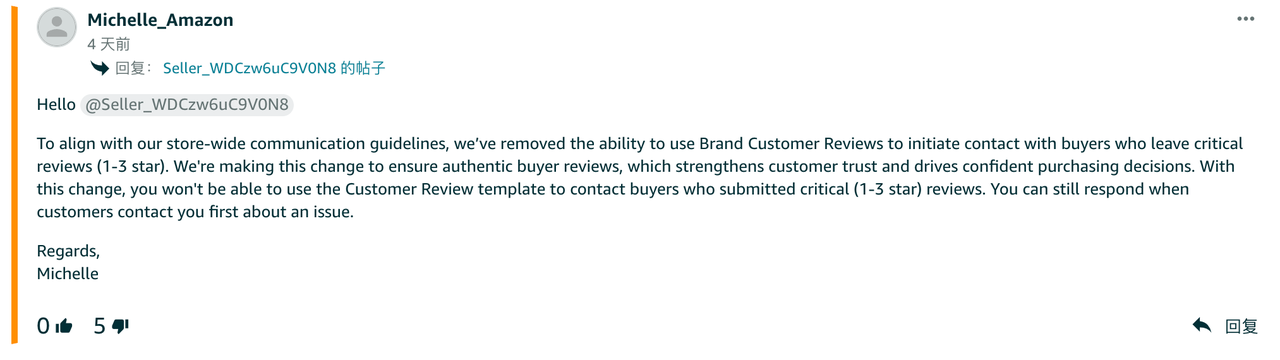
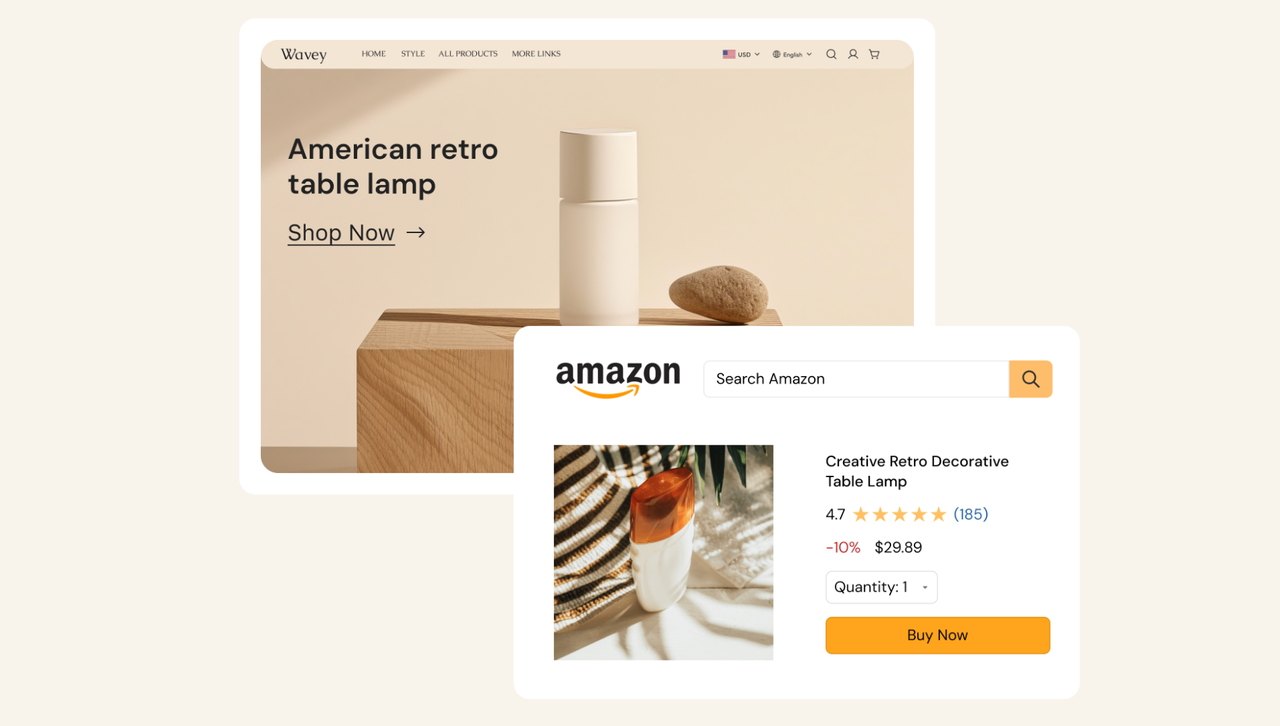
A DTC website gives you a channel where none of that applies. You own the customer data, you can reach buyers directly, and your retention efforts actually compound over time. For Amazon sellers, the most practical starting point is using your own store to collect customer emails, then running email campaigns with discount codes to drive repeat purchases. Shoplazza allows you to integrate with Amazon, so both channels can run in parallel without duplicating your operational work. This isn't about leaving Amazon. It's about making sure a single algorithm change can't take your entire business offline.
Sellers with proven products or category expertise
These are sellers who've spent time in a specific category — they understand the market demand, the supply chain, and the pricing dynamics. Maybe you've run operations at a trading company for years. Maybe you've already validated a product on a marketplace and want to build a real brand around it rather than keep selling it as a commodity. The advantage here is clear: your product direction and market knowledge are already verified by actual sales. You're not starting from scratch.
Entrepreneurs who want to sell internationally
You don't need a fully validated product to get started. As long as you have a basic understanding of at least one part of the ecommerce process — whether that's building a store, handling payments, managing logistics, or running ads — you're ready to begin. Two of the most common low-capital starting models are:
- Dropshipping: no upfront inventory needed. Your supplier ships directly to the customer when an order comes in. Good for testing different categories with minimal risk.
- Print on demand (POD): products are made after a customer orders. No inventory pressure. Common for apparel, home décor, and accessories. Popular with designers and content creators who want to monetize their work.
Most major SaaS platforms now have AI store builders for ecommerce built in. You describe your category and target market, and the system generates a complete store. After launch, an AI operations agent can handle product listings, order management, and routine backend tasks — so you don't need a dedicated team to keep things running.
B2B manufacturers and wholesale businesses
If you already have factory resources or a stable supply chain, a DTC website opens up two parallel opportunities. On the B2B side, your store can handle brand presentation and inbound inquiries from wholesale buyers. On the B2C side, you can open a direct retail channel alongside your wholesale business. International buyers often start their supplier search on Google. Your store's SEO ranking directly affects whether they find you.
Creators and freelancers with content or design skills
This group doesn't come up often in ecommerce conversations, but a DTC website is genuinely useful for them. Students, freelancers, and part-time creators with design, photography, coding, or video skills can use a store to display their portfolio — or to offer those skills as services to brands and small businesses. The store becomes both a showcase and a client acquisition channel.
Which tools should you use to build a Google ecommerce store?
Tool choice comes down to three factors: whether you need ecommerce functionality, whether you have a technical team, and how much customization you need. There are three main categories.
Google Sites
- Best for: personal portfolios, event landing pages, internal company pages, and school project sites.
Google Sites is Google's free webpage builder. Anyone with a Google account can use it at no cost. It's drag-and-drop, requires no coding, supports custom domains, and integrates with Google Drive and Google Calendar. What it doesn't have is shopping cart, checkout, payment processing, or order management. If you need to sell products, Google Sites isn't the right tool. For pure display purposes — a portfolio, an event landing page, an internal company page — it's a zero-cost option.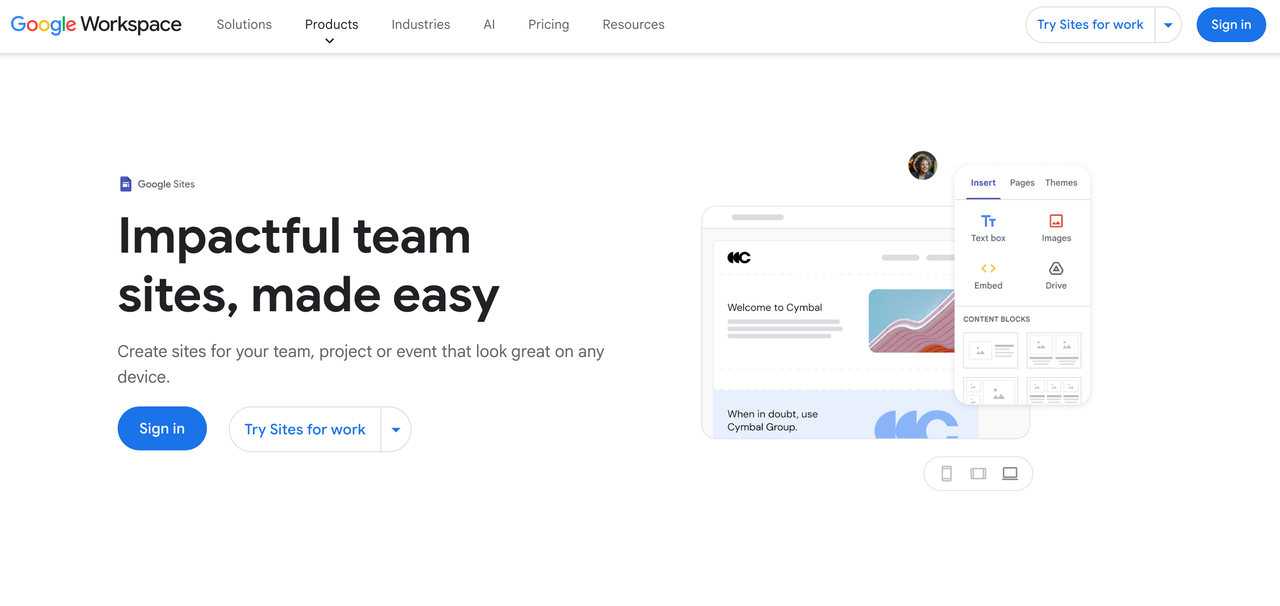
SaaS ecommerce platforms
- Best for: cross-border sellers, DTC brands, dropshippers, and print-on-demand businesses.
SaaS platforms are the most common choice for cross-border sellers building a B2C store. You don't manage servers or handle technical maintenance. You focus on products, operations, and traffic.
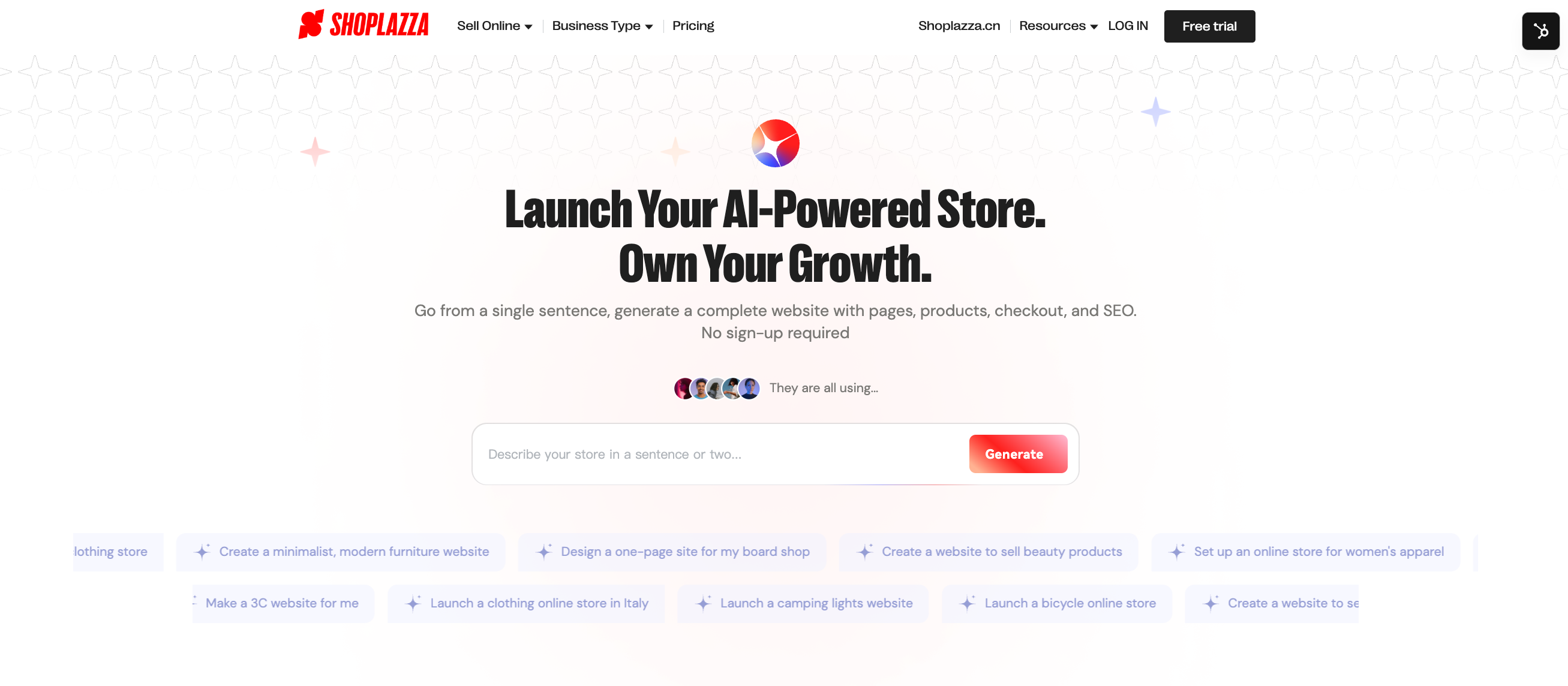
Shoplazza is a good example of what this category offers. The Shoplazza AI Store Builder generates a complete store from a guided conversation — describe your category and target market, or upload product images, and it produces a full store including homepage, product pages, cart, checkout, and policy pages. After launch, Athena, Shoplazza's built-in AI operations agent, handles product uploads, discount configuration, order processing, and data queries through plain language — no manual backend navigation required.
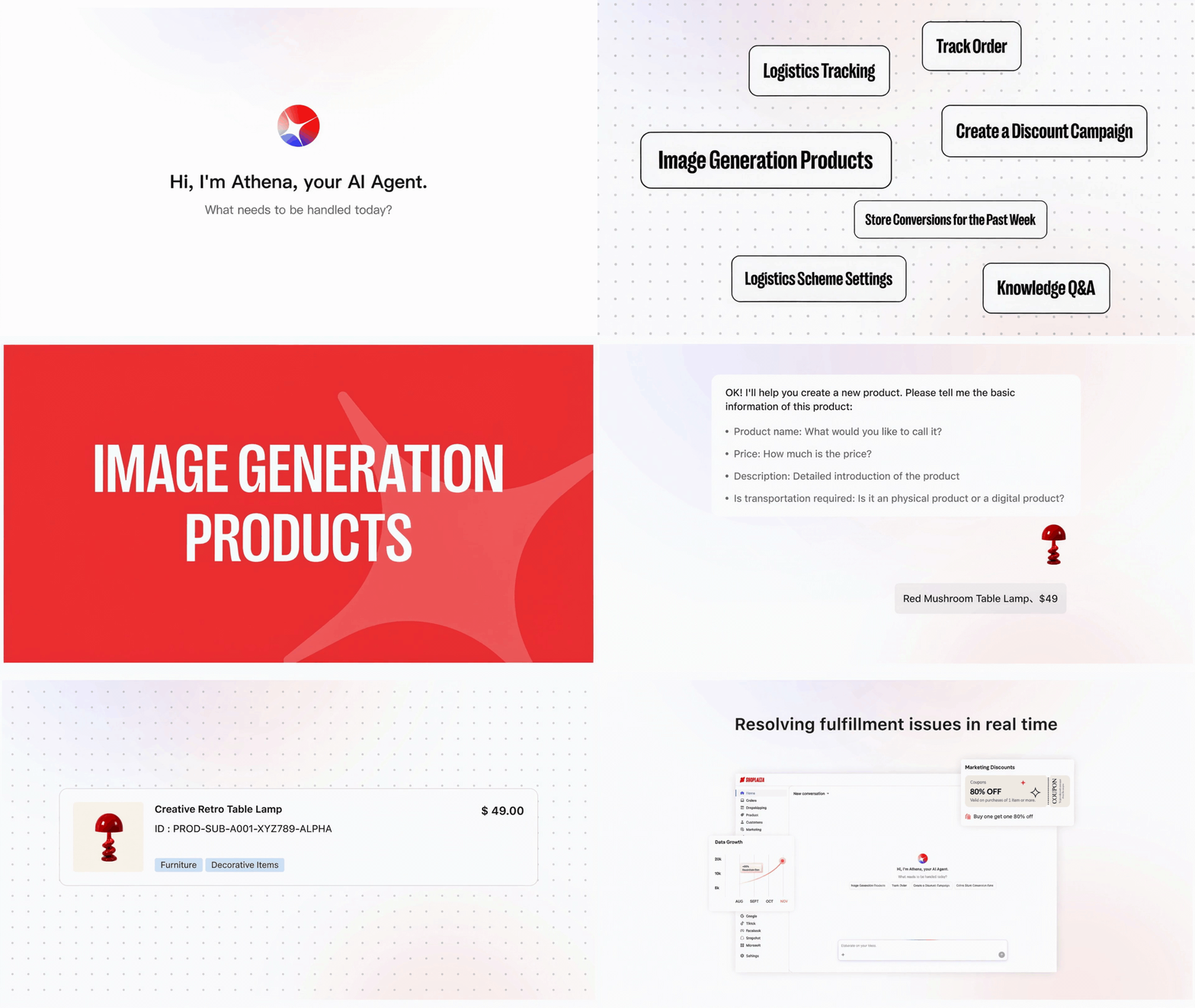
Beyond the store builder, platforms like Shoplazza cover the core functions cross-border ecommerce actually needs:
- Multi-language and multi-currency support for major markets including the US, Europe, Australia, and Southeast Asia.
- Built-in SEO Opitmizer tools covering auto-generated ALT text, meta tag maintenance, JSON-LD structured data, and automatic sitemap updates.
- Social media integrations with Google, Facebook, Pinterest, and TikTok.
- Dropshipping integrations with CJdropshipping, EPROLO, and Kakaclo.
- Payment support for PayPal, credit cards, and local payment methods globally, plus Shoplazza Payments, which covers 180+ payment methods with T+2 payouts.
WordPress + WooCommerce
- Best for: export businesses with a technical team, brands with heavy content marketing needs, or sellers who need highly customized functionality.
WordPress is one of the most widely used open-source website systems globally. Paired with the WooCommerce plugin, it covers full ecommerce functionality. Unlike Google Sites or SaaS platforms, WordPress has no monthly subscription — the software is free. But you handle your own domain, hosting, security updates, and plugin maintenance.
Flexibility is its main advantage. Page structure, feature modules, and content systems can all be customized deeply. That makes it a strong fit for teams with specific technical requirements.
How to get traffic through Google's ecosystem?
Building the store is the first step. After launch, consistent traffic acquisition is the real ongoing work. Google offers several channels worth using.
Google SEO
SEO means optimizing your site structure, keyword targeting, and content quality to rank higher in Google's organic search results. It takes time to see results, but the payoff is durable. A well-ranked piece of content keeps bringing in visitors without ongoing ad spend. For sellers with limited budgets, SEO is one of the highest-ROI long-term investments you can make.
Google Ads
Paid search lets you appear at the top of results when someone searches for your product. The effect is faster than SEO, which makes it a good fit for sellers who want to quickly test whether a product converts before committing to a full content strategy.
Google Merchant Center
Google Merchant Center lets you sync your product catalog to Google so your products appear with images, prices, and brand information directly in search results. For sellers with physical products, this is one of the broader visibility channels available. Shoplazza supports Google Feed sync, so product updates automatically push to Merchant Center without manual re-entry.
How to track your Google traffic: free tools?
Once you're running ads and publishing SEO content, tracking performance is how you know what's working.
Google Analytics 4 (GA4)
GA4 is Google's website analytics tool and one of the first things to set up after launch. It tracks traffic source by channel (organic search, paid ads, social), page browsing paths, add-to-cart and checkout funnel drop-off, and purchase conversion rates by traffic source. These metrics tell you which channels bring higher-quality visitors and which pages are losing people.
Google Search Console (GSC)
GSC monitors how your site performs in Google search specifically. Key metrics include which keywords are driving clicks, indexing status for each page, search impressions, and click-through rate. For anyone doing SEO, GSC is the primary tool for understanding whether your content is being indexed correctly and which keywords have ranking potential.
Microsoft Clarity
Clarity is a free behavior analytics tool from Microsoft that covers what GA4 doesn't. It records heatmaps showing where users click, scroll depth showing how far down the page visitors read, and session recordings that replay actual user behavior. This data has direct value for optimizing page layout and improving conversion rate — neither GA4 nor GSC shows you this layer of detail.
These three tools all analyze external traffic and on-page behavior. Shoplazza's built-in analytics dashboard covers the store-side data: revenue trends, order source breakdown by channel, conversion funnel analysis, customer retention reports, and UTM tracking. The two sets of tools are complementary, not redundant.
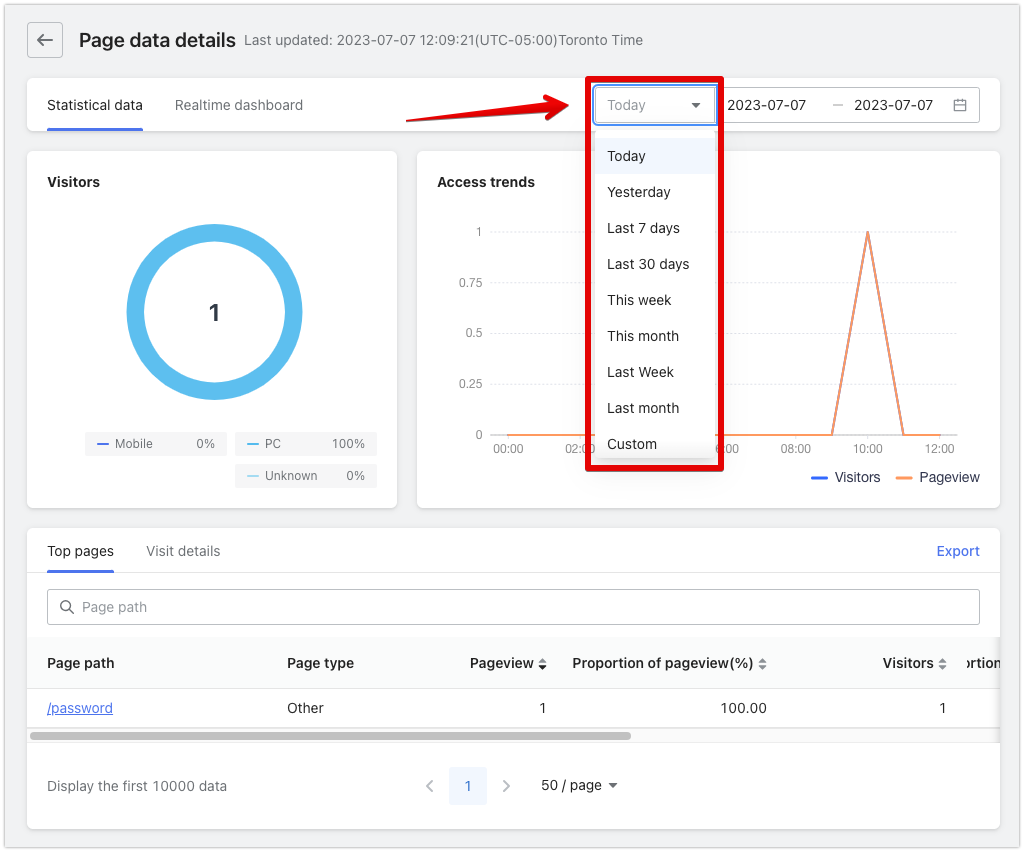
If you want a quick read on overall store performance without digging through reports manually, you can ask Athena directly. Something like "show me my revenue and order source breakdown for the last 30 days as a donut chart" — Athena analyzes your store data and returns a visual chart with key conclusions.
Build your Google ecommerce store
The real value of a Google ecommerce store isn't a more complex sales channel. It's a piece of business infrastructure you actually own. Customer data, brand equity, SEO rankings — these accumulate in your own assets, not inside a platform account you could lose access to tomorrow. The barrier to entry is lower than most people assume. Current SaaS platforms let a seller with no technical background launch a fully functional store in a day. The harder part is consistent operation and traffic growth — but that's true of any sales channel. If you're weighing whether to take the first step, you can preview what your store would look like for free with Shoplazza's AI Store Builder, no sign-up or credit card required.
Frequently asked questions about Google ecommerce websites
Q: What's the difference between a Google ecommerce store and selling on Amazon?
On Amazon, traffic comes from the platform's internal search, and customer data belongs to Amazon. A Google ecommerce store is a website you own, where traffic comes from Google SEO and ads and customer data is entirely yours to manage. The core difference is that a marketplace store means selling in someone else's channel, while your own store means building a brand in a channel you control.
Q: How much does it cost to start a Google ecommerce store?
It depends on your platform, fulfillment model, and ad budget. For a dropshipping business on Shoplazza, the Basic plan starts at $39 per month (or $29.25 per month on an annual plan), with no upfront inventory required. The main ongoing costs are your platform subscription and ad testing budget. The startup cost is generally lower than traditional wholesale or inventory-based models.
Q: Can I build a Google ecommerce store without any technical background?
Yes. SaaS platforms like Shoplazza have visual editors and AI store builders that require no coding. You describe your category and target market in a conversation, upload product images, or URL you want to refer to, and the platform generates a complete store including product pages, checkout, and policy pages.
Q: Do I have to do SEO for a Google ecommerce store?
SEO isn't mandatory, but it's one of the highest-value long-term investments for organic traffic. If you have ad budget, starting with Google Ads to test product conversion rates while gradually building SEO content is a common and practical approach. Relying on ads alone long-term means your acquisition costs will keep rising as competition increases.
Q: Should I use Shoplazza or WordPress for a Google ecommerce store?
It depends on your team and needs. If you don't have a technical team and want to launch quickly, Shoplazza's store builder and built-in ecommerce features are the more direct path. If you have development resources and need deep customization of page structure and content systems, WordPress + WooCommerce gives you more flexibility — but you take on server configuration and ongoing technical maintenance.


.png)